

Written by Konstantin Dolgan, Ph.D., NPDP
Founder & CEO, Product Development Engineer
Published August 10, 2026
Designing a multi-device charging station is a cost-engineering exercise as much as an industrial design one: the port components, the housing process and the assembly sequence decide the unit cost long before the styling does.
UP Dock started as an internal fix for our own desk clutter. Over 14 prototypes we cut the USB port cost from $1.56 to $1.00 each by committing to a 1,000-piece order, merged a four-part housing into one piece, and turned assembly into a single clip-on step.
Project at a glance
- Project type
- Internal product: designed, prototyped and launched by our team
- Product
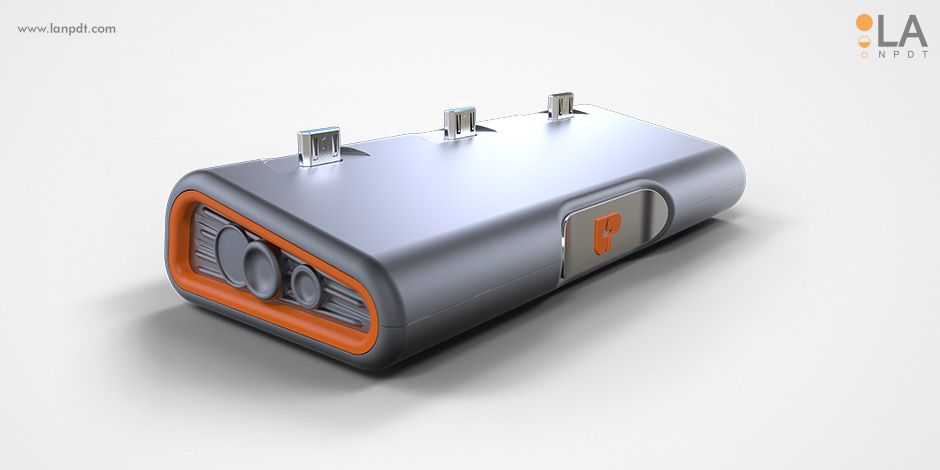
- UP Dock: three-port micro-USB charging station with surge protection
- Prototypes built
- More than 14
- Cost moves
- USB ports negotiated from $1.56 to $1.00; housing consolidated from four parts to one
- Construction
- Anodized aluminum housing, durable PCB, power and data on all ports
- Outcome
- Shipped as a marketable product with built-in surge protection and a single Type-A wall cable
The client
The challenge
Our solution
The result
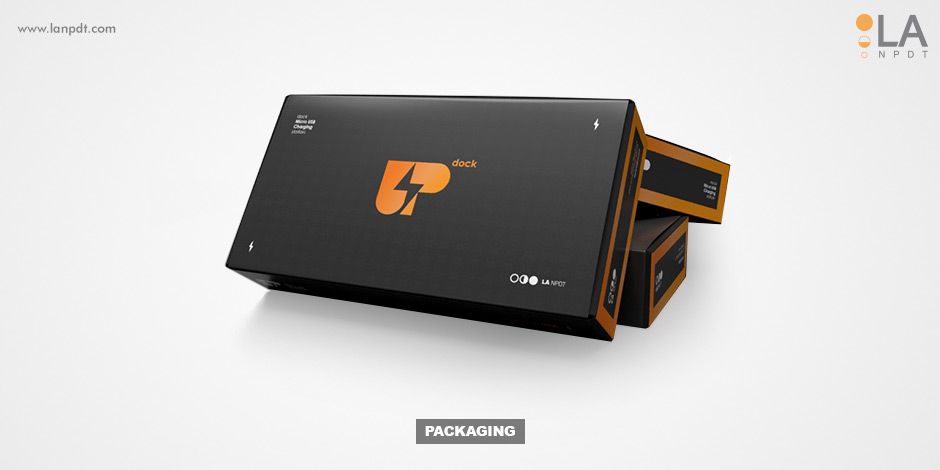
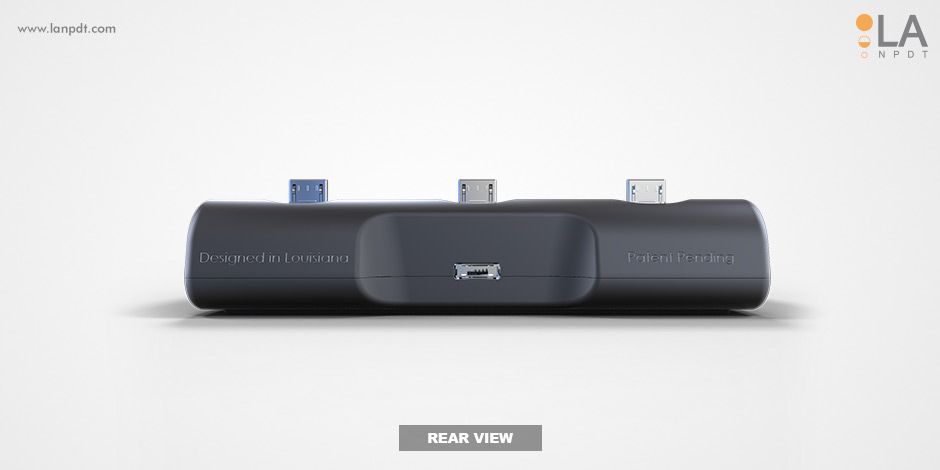
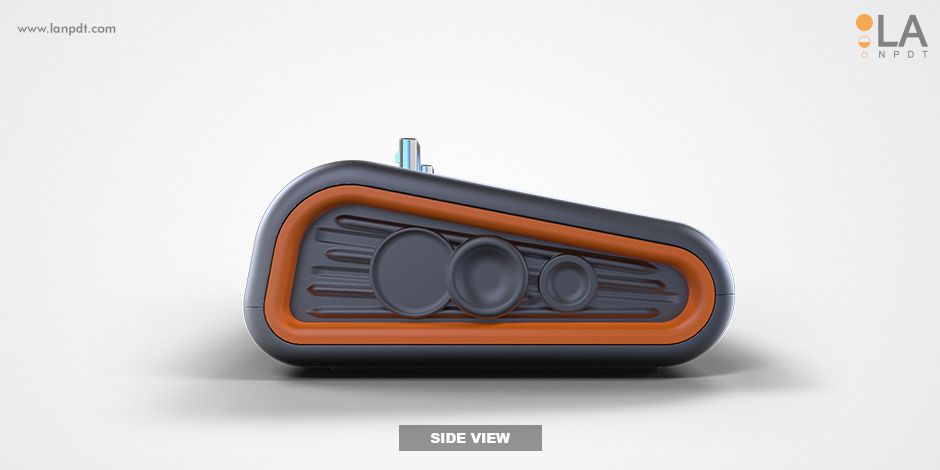
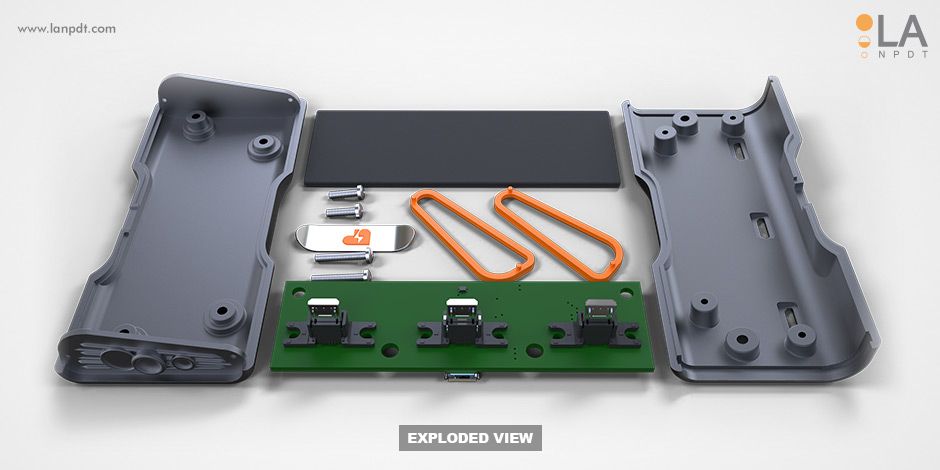
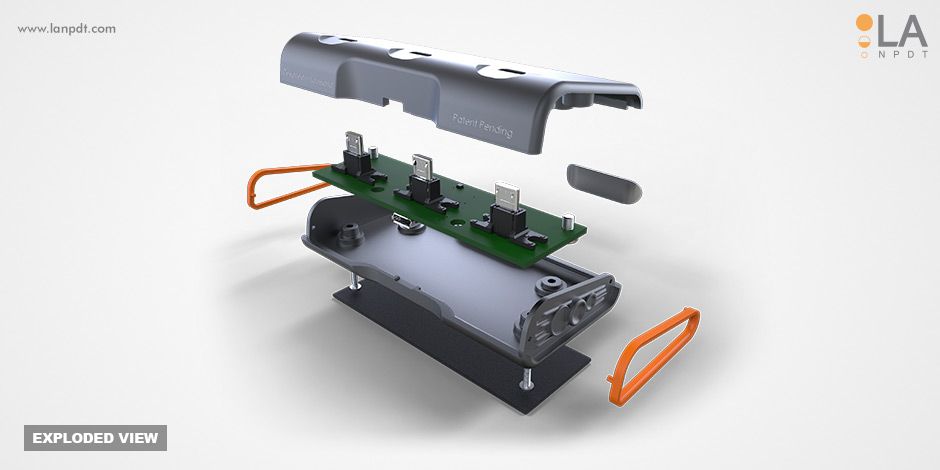
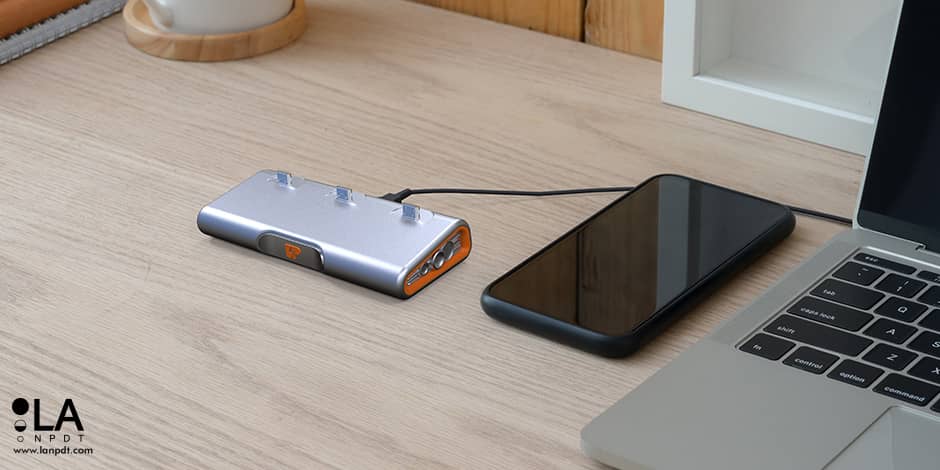

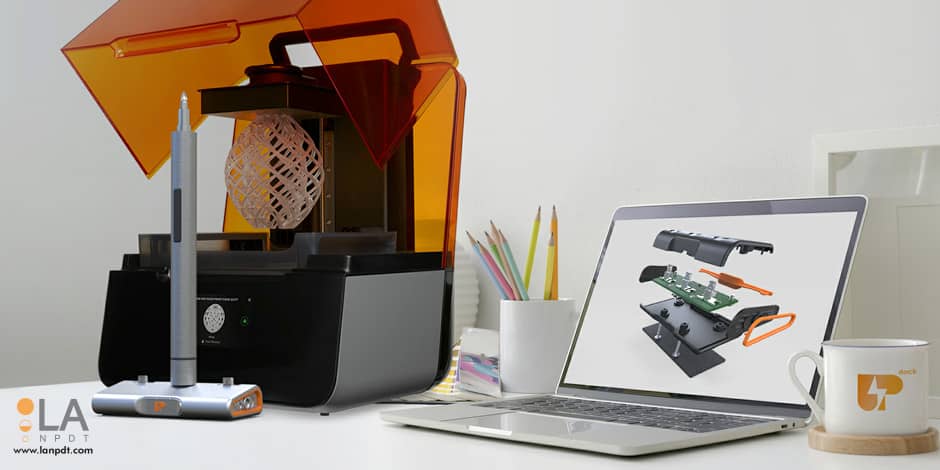
Up Dock Manufacturing and Assembly Optimizations
Frequently asked questions
What is the Up Dock charging station designed to do?
The Up Dock charging station is designed to keep electronic devices charged and workspaces organized. It features three micro-USB ports for charging devices like smartpens, styluses, and remotes. The device aims to solve workflow challenges caused by messy charging cords and uncharged devices, optimizing the workspace with its sleek design.
What challenges were faced during the development of Up Dock?
Initial challenges included the high cost of quality USB-ports, with one hub costing $1.56. The product design required three ports per station, making cost reduction crucial. Maintaining efficiency, convenience, minimal space usage, and balanced weight distribution for heavy devices also presented design complexities during development.
How did the development team reduce the cost of the Up Dock?
The team negotiated a lower price for USB-ports by increasing the order quantity to 1000 pieces, reducing the cost to $1.00 per port. They also simplified the housing design by integrating the bottom and sides into one piece. This change allowed for a different manufacturing method, which cut production costs significantly.
What are the key features of the Up Dock charging station?
The Up Dock has three micro-USB ports and a single standard Type-A cable for wall connection. All ports transmit both power and data, allowing for data uploads and downloads. It includes built-in power surge protection, an anodized aluminum housing, and durable PCB construction. These features ensure robustness and functionality.
Sources and standards
- USPTO, patent basics, Official guidance on provisional and non-provisional filings for new products.
- NIST Manufacturing Extension Partnership, Federal program supporting US small and mid-size manufacturers.
- ISO 9001 quality management, The quality-system standard most contract manufacturers are audited against.
Charging station design at a glance
| Scope | Concept, industrial design, CAD, prototypes, DFM |
|---|---|
| Considerations | Cable routing, device stability, heat, footprint, safety |
| Deliverables | Production CAD, prototypes, molding package, renderings |
| Typical timeline | 4-9 months |
Charging hubs are a cable problem
Every charging product on the market charges devices; almost none manage the cables well. The design work is routing, strain relief and how the product looks when it is actually in use with four cords attached, not how it looks empty in a product photo.
What we designed
UP Dock organizes cables inside the body so only short leads are visible, holds devices at a viewable angle without tipping, and vents where power components need it. Parts were detailed for straightforward molding and snap assembly, keeping tooling and labor cost low enough for a competitive retail price.
Frequently asked questions
Do you handle electrical safety certification?
We design toward UL and FCC requirements and coordinate testing with accredited labs.
Can you integrate wireless charging?
Yes: coil placement, thermal management and material selection are handled in the enclosure design.
What is the development cost for a product like this?
With our team, a product like this typically falls in Class B: $28,300 to $66,800 as a whole program, labor only, before tooling. Stage 1 is a fixed $800.
Capabilities used on this project
Rapid prototyping services
3D printing, CNC machining, urethane casting and functional prototype builds with published materials, tolerances and lead times.
Design for manufacturing
Molding-ready geometry, tolerances, production drawings, assembly documentation and DFM review with the tooling vendor.
Electronic design and PCB engineering
Schematic capture, PCB layout, firmware and electromechanical integration for connected hardware.
How a charging hub gets engineered to a price
Small electronics live or die on a handful of component and geometry decisions. Each one below moved UP Dock's unit cost or assembly time.
1. Start from a workflow problem you actually have
We charged smartpens, styluses, remotes and electric screwdrivers on a mess of cords. A product that solves a problem its designers live with gets tested every day for free.
2. Cost the components before the housing
Three quality USB hubs at $1.56 each set a floor the product could not sell above. Negotiating to $1.00 at a 1,000-piece quantity changed the whole business case before the enclosure was final.
3. Consolidate the housing
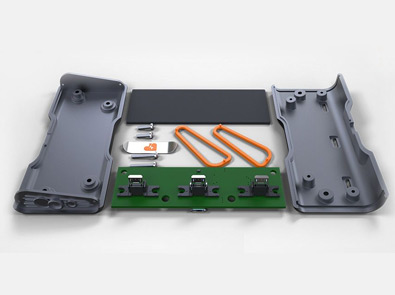
The first housing was four separate parts. Integrating the bottom and sides into one piece unlocked a cheaper manufacturing method and removed assembly steps in the same move.
4. Design the assembly order
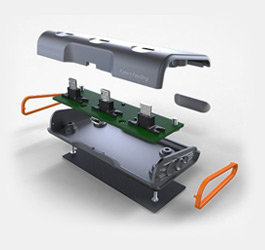
Attaching the board to the top cover instead of the bottom turned the bottom into a clip-on cap. One-step assembly is worth real money at volume, and it improved weight distribution for heavy devices too.
5. Prototype until the numbers work
Fourteen prototypes sounds like a lot until you compare it with one tooling change. Each iteration was aimed at a named cost or stability problem, not at making the renderings prettier.
| Lever | Before | After |
|---|---|---|
| USB ports | $1.56 each, small order | $1.00 each at 1,000 pieces |
| Housing | Four separate parts | One integrated piece, cheaper process |
| Assembly | Multi-step bottom-up build | Clip-on cap, one step |
| Cable | One cord per device | Single Type-A wall cable for three ports |
Questions about this project
Straight answers from the engineers who ran the build. Have a different question? Ask us directly.
Talk to an engineerHow many prototypes does a small electronic product need?
As many as there are unsolved problems. UP Dock took more than fourteen because each round targeted a specific cost, fit or assembly issue. Prototypes are cheap; a wrong production order is not.
When should I negotiate component pricing?
Earlier than feels comfortable. The port price decided whether this product worked at all, so the negotiation happened during design, not after it. Component cost is a design input.
Can you design a product around parts I have already chosen?
Yes, and it often helps. Fixed components become constraints the enclosure is designed against, which is exactly how the UP Dock housing was shaped around three ports and a single wall cable.
Why does part consolidation reduce cost so much?
Because every separate part carries its own tooling, handling, fastening and tolerance stack. Merging UP Dock's four-piece housing into one piece removed all four of those costs at once and opened a cheaper manufacturing method.
Does assembly order really affect unit cost?
At volume it is one of the biggest levers you have. Moving the board to the top cover turned the bottom into a clip-on cap and made the build a single step, seconds saved per unit, multiplied by every unit you ever ship.
Industries this project belongs to
See how we approach development in each of these categories, and the other products we have taken from sketch to production there.


