AR/VR for Prototype Testing: Immersive User Experiences
Discover how AR and VR are transforming prototype testing through immersive user experiences. Explore how mixed interactive environments, rapid iteration, and hybrid validation enable faster design cycles, cost savings, and richer user insights: turning immersive prototyping into a practical, strategic capability for innovation.
September 30, 20258 min read

Written by Onega Ulanova, IRCA Lead Auditor, MS Eng. & Tech. Management, Executive MBA
Co-Founder, Quality Management Executive & Lead Auditor
Published September 30, 2025Updated October 30, 2026
AR and VR are not new. Yet, two forces now speed up their use. First, firms see clear business value. Second, better hardware and software allow richer Prototype Testing via Immersive User Experiences. These forces expand the role of AR/VR in design, R&D, and training. What was once a test is now a key tool.
Mixed interactive environments and industry uptake
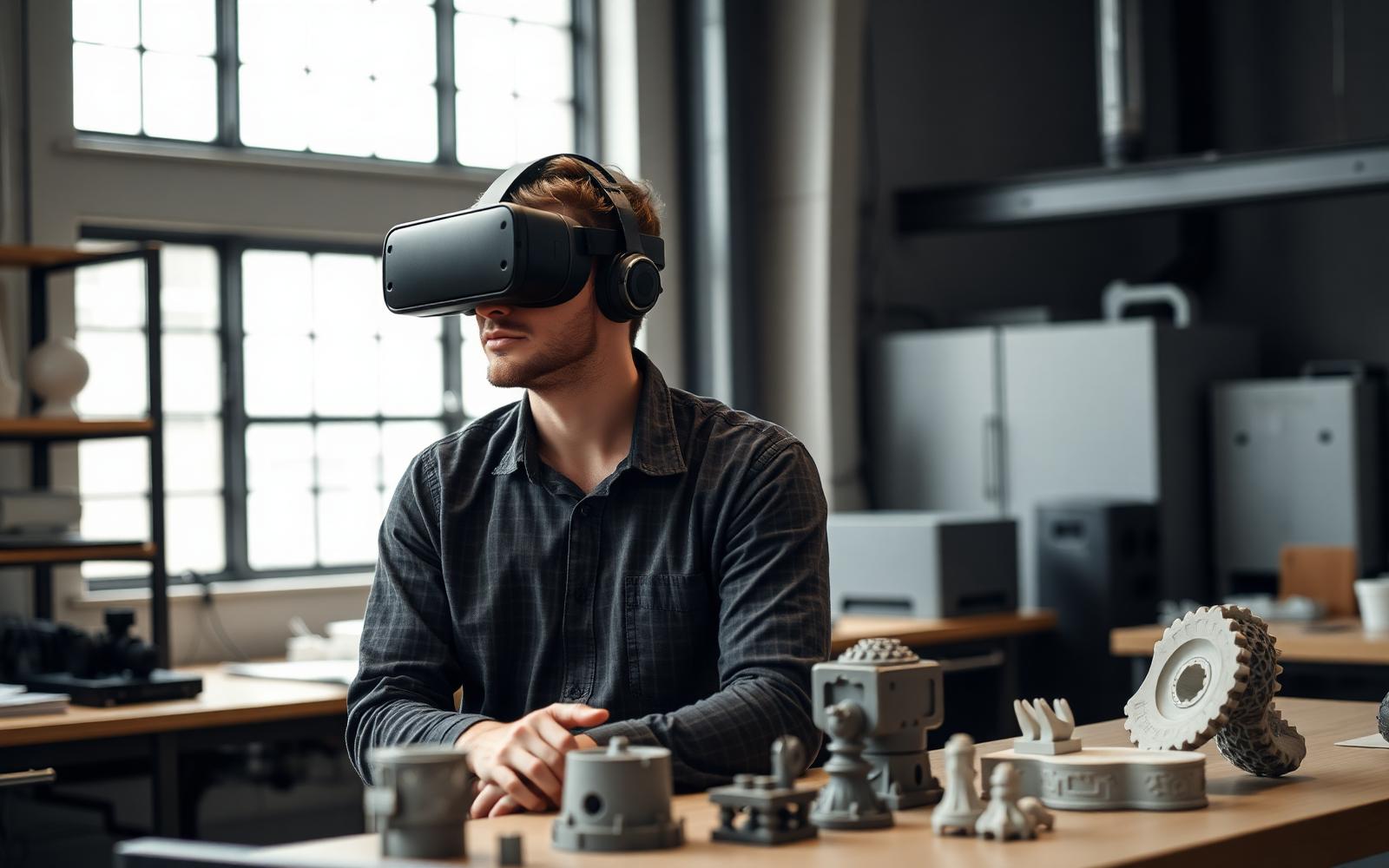
Modern AR and VR create mixed worlds. In these spaces, physical and virtual objects exist together. Users interact with both objects naturally.
These tools help with assembly guides and repair work. They also aid design reviews and ergonomic tests. Early users show that immersive prototypes improve how we see designs.
These tools speed up work and cut the need for costly physical models. Experts now see how these tests give fast, useful data. This feedback helps improve the design cycle early on.
Definitions and contrasting modalities
To clarify how these tools are applied, it helps to distinguish their core modalities and strengths.
Virtual Reality VR
Virtual Reality puts a user in a digital world. You use headsets or large displays to see it. These spaces can be computer-made or filmed in 360°. VR is great for full simulation and spatial walks. It works well for Prototype Testing via Immersive User Experiences.
Augmented Reality AR
Augmented Reality puts digital parts onto your real world. You use phones, tablets, or head-mounted displays to see them. AR excels at adding data to real parts. It guides hands-on tasks. This allows for Prototype Testing via Immersive User Experiences without leaving your real room.
These tools work together to grow testing skills. VR provides a sense of being in a new place. AR adds data to real objects and workflows. This raises awareness and helps users perform tasks better.
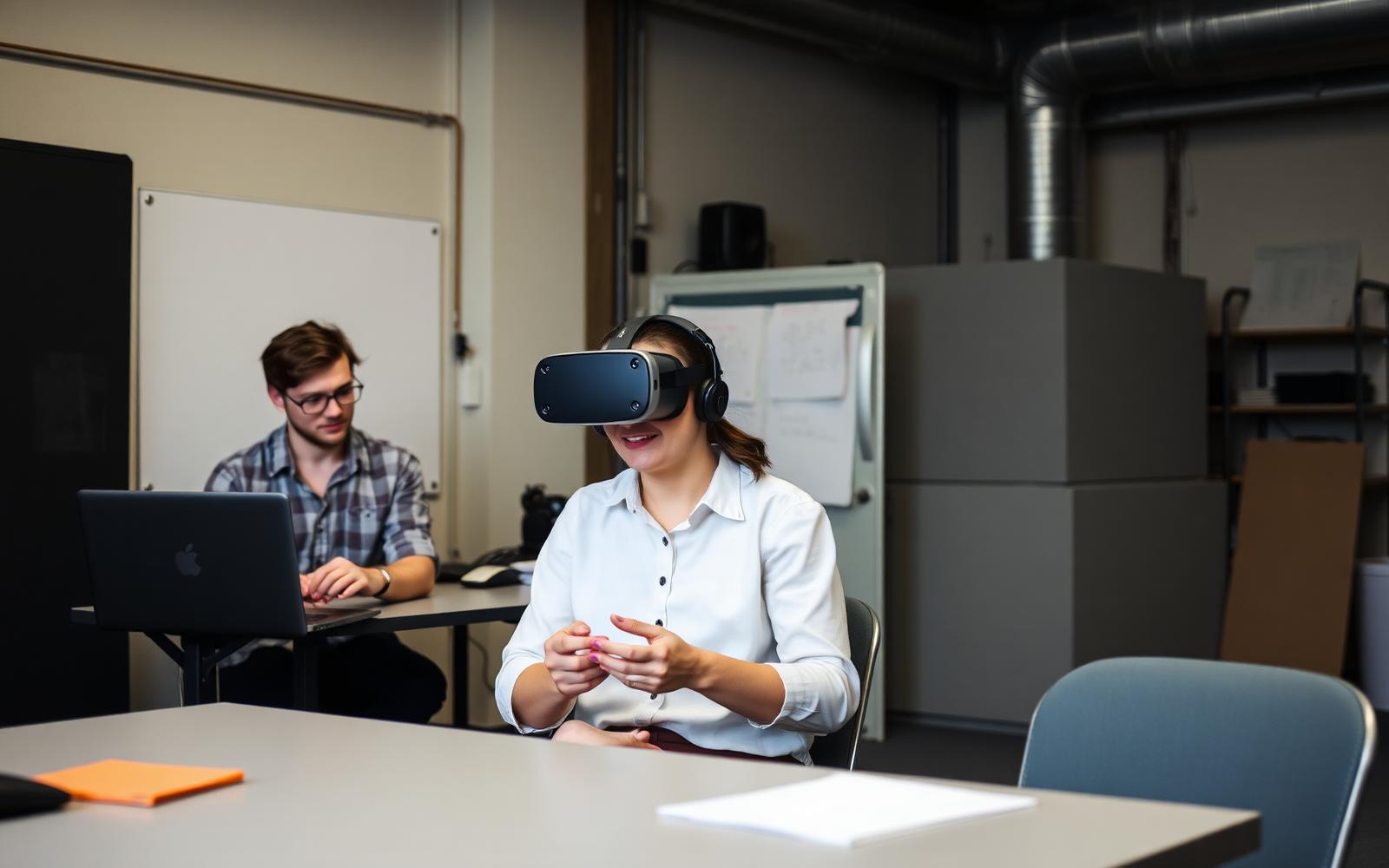
Figure 1. The global impact of VR and AR: GDP boost and jobs enhanced by 2030 (source, pwc.com/SeeingIsBelieving)
Why prototyping matters more than ever
Prototypes bridge the gap between ideas and use. Startups and R&D teams use them to find answers. Do users get the concept? Will they use it? Where are the safety gaps? Old physical models were slow and cost a lot. Virtual prototypes change that by enabling:
- We can rapidly improve designs. This allows cheaper testing of ideas.
- See designs at full size. There is no waiting for manufacturing.
- Review designs with remote team members. Collaborate across different locations.
Tests show VR prototypes feel more real than paper models. Field trials still help find broad context. Using both methods improves Prototype Testing via Immersive User Experiences. This mix speeds up your learning.
Ecological validity and realism concerns
There is one main catch: real-world truth. VR tools often do not link to real systems. This makes it hard to predict real-world acts. To boost truth, users should:
- Create operational environments. This includes factories, hospitals, and stores. Pay close attention to sensory details.
- Blend virtual scenarios with on-site checks. Do this when key physical properties matter. These include load-bearing, touch feedback, and material changes.
- Use mixed-mode testing. This involves AR overlays on physical models. It also includes VR practice of work steps. This helps confirm findings.
These mixed methods make Prototype Testing more like real-world ecology. They use Immersive User Experiences. This also accepts that purely virtual settings have limits.
Benefits of immersive prototyping
Given the preceding points, the benefits become easier to quantify:
- Immersive models help stakeholders communicate. They create a shared understanding. This reduces confusion.
- Users get more valuable feedback. They can experience or change designs. This helps them give better input.
- It's easier to find errors early. You can spot issues with space, reach, or order. This happens more clearly at full scale.
- Save money and time. Virtual changes mean fewer physical prototypes. This also cuts down on shipping and related tasks.
- It's better for the environment. You use less material. This means fewer shipments for physical models.
Case studies show faster work cycles and better teamwork. These tools also lower costs when used well. This proves the value of Prototype Testing via Immersive User Experiences.
Designing for true immersion
Benefits are now clear. We must focus on design. Immersion is a design issue. It is also a technical issue. Good immersive experiences need:
- Spatial relations should be believable. This includes correct scale, depth cues, occlusion, and parallax.
- Interaction metaphors should feel natural. Use gestures, controllers, voice, and haptics that match what users expect.
- Ensure good performance and comfort. This means low latency and stable frame rates. Ergonomic interfaces help prevent motion sickness.
- Augmented reality should be aware of its context. Anchor digital content to real-world coordinates, lighting, and surfaces. This makes overlays feel integrated, not intrusive.
When these parts align, immersion makes the user experience better. It also makes Prototype Testing through Immersive User Experiences stronger. This includes its validity and diagnostics.
Contact us today to learn how LA NPDT can assist in realizing your project.
Figure 2. Product innovation cycle (mapping of methods on the product development stage: prototype testing)
- TIF for low-fidelity prototype testing.
- VRT for virtual reality testing, and.
- FP for testing of the final product.
Practical barriers and risk management
We have set design priorities. Now, we must consider the limits. Key problems for the organization are:
- Headsets, AR glasses, and workstations cost money. Software ecosystems also require meaningful investments. This covers capital and licensing expenses.
- There is a gap in needed skills. Immersive user experience and 3D interaction design are specialized fields. Real-time engineering skills are also in high demand.
- Current fidelity has limits. Photorealistic textures are hard to model well. Tactile feedback and complex physical behavior are also difficult to simulate accurately.
- Some sectors need regulatory and physical testing. Automotive and aerospace industries are examples. They often require certified tests for safety and compliance.
- Security and intellectual property are key. Digital prototypes are easy to share. Strong access controls, encryption, and IP workflows are therefore essential.
To lower risk, use staged costs and hire outside experts. Use hybrid plans and strong rules to protect Prototype Testing via Immersive User Experiences.
Best practices and rapid adoption playbook
Following mitigation, organizations should adopt practical playbooks:
- Begin with a clear business goal. Set metrics to measure success.
- Use simple prototypes. This confirms interaction and intent early. Avoid spending too much on high-quality designs first.
- Design for user comfort and easy access. This helps people get more involved.
- Launch small pilot projects. Show their value to the business. Create support within your team.
- Measure results carefully using different methods. Check analytics. Look at how tasks are performed. Conduct interviews. Observe user behavior.
- Mix augmented and virtual reality with physical prototypes. This creates a hybrid testing process. It uses the best parts of each method.
Lean experiments help. User-centered checks help. Both let organizations grow immersive prototyping. They also control costs and risks.
Broader impacts across business functions
Extending from the playbook, AR/VR’s benefits ripple beyond prototyping into:
- We offer training and simulations for tasks with high risks. This includes safety drills and medical procedures.
- We help distributed teams collaborate and co-design from afar.
- Technicians get field support through augmented reality overlays that show context.
- We boost recruitment and employer branding using new, advanced methods.
Firms that use these tools well often see faster launch times. They also see better team unity and worker skills. This grows the reach of Prototype Testing via Immersive User Experiences.
Conclusion
AR and VR do not replace physical tests. They change how teams test ideas to be faster and cheaper. VR offers rich context and AR adds hands-on help. This toolkit cuts doubt and aids good choices. Pair fast tests with real checks to get the most value. This helps Prototype Testing via Immersive User Experiences drive new ideas while cutting risk.
Subscribe
Dive deep into the dynamic world of new product development with LA NPDT Insights Blog.
Comparison of VR and AR Modalities for Prototype Testing
Feature | Virtual Reality (VR) | Augmented Reality (AR) |
|---|---|---|
Immersion Level | Fully immerses user in digital environment | Overlays digital elements onto physical surroundings |
Display Method | Headsets, large displays | Phones, tablets, head-mounted displays |
Primary Use Cases | End-to-end scenario simulation, spatial walkthroughs, behavioral testing | Augmenting real parts, procedural overlays, guiding hands-on tasks |
Strengths | Context simulation, presence, high-fidelity testing | Contextual testing, augmenting real objects, situational awareness |
Frequently asked questions
What is AR/VR Prototype Testing?
AR/VR prototype testing uses mixed digital worlds. Users interact with both real and virtual objects to gain design insights. This method helps you see products clearly. It also makes design changes happen faster.
What is the difference between VR and AR for prototype testing?
Virtual Reality (VR) puts a user inside a full digital world. It works well for testing full simulations. Augmented Reality (AR) adds digital items to your real room. AR helps you work on real parts without leaving your space.
What benefits does immersive prototyping offer?
Immersive prototypes help teams talk better. They give you deeper feedback from users. This helps you find design flaws in space or order very early. You save time and money by making fewer physical models.
How Can Ecological Validity Be Ensured in AR/VR Testing?
To make tests feel real, you should match the true work space. Use virtual scenes along with real-world tests for vital physical traits. Use AR on physical models and VR for practice to get the best data.
What makes an effective immersive experience for prototype testing?
Good immersive tools need the right scale and depth. They also need natural ways to act, like hand signs or voice. Fast speeds and stable views are vital to keep users from getting sick.
Sources and standards
- ISO/ASTM 52900 defines terms for additive manufacturing. It provides standard definitions for these processes.
- NIST research supports additive manufacturing. It studies processes and materials for better 3D printing quality.
- USPTO offers patent basics. This is official guidance for new product patent filings. It covers both provisional and non-provisional applications.
When Immersive Testing Beats a Physical Prototype
Immersive testing does not replace real prototypes. It helps you answer specific questions early and at a low cost. Ask what your test needs to decide. A headset helps with reach, sight, and layout. It cannot test grip, heat, or force. Trusting it for those leads to bad choices.
Can an operator reach every control from the working position? | VR mockup | $3k-$8k | Geometry and posture are fully represented |
|---|---|---|---|
Does the enclosure fit the installation environment? | AR overlay on site | $2k-$6k | Real space, real obstructions, no shipping |
Is the handle comfortable over a 20-minute task? | Physical prototype | $1k-$5k | Force, texture and weight cannot be simulated |
Do users understand the interface sequence? | VR or clickable prototype | $4k-$10k | Behaviour is software, not hardware |
Will the assembly survive drop and vibration? | Physical test | $8k-$25k | Only physics answers physics |
Running an Immersive Session That Produces Usable Data
- Calibrate your scale first. Put a known object into the scene. Have the participant confirm its size is correct. Scale errors will make all reach and clearance data invalid.
- Allow five minutes for people to get used to it. First-time headset users spend the start learning controls. Data from this time measures the interface, not the product.
- Script tasks, not opinions. Ask the participant to finish a specific job. For example, load the cartridge or clear the jam. Record time, errors, and hesitation. Do not record preference ratings.
- Record the session both inside and outside. The headset view shows where the participant looked. The room camera shows body posture and physical strain. The simulation cannot show this.
- Limit the session to 30 minutes. Data quality drops quickly after this point. This is due to fatigue and simulator discomfort.
- End every immersive round with a physical item. Even a simple foam or printed part helps with spatial judgment. It also reveals differences between the model and reality.
Teams using this method usually cut two physical prototype rounds down to one. This immersive step fixes layout and workflow errors early. Without it, you would find these mistakes on a costly printed assembly. The physical round then focuses on touch and durability questions for hardware. You do not save money on the headset. You save by skipping a prototype that you never need to build.
Filed under:EducationUncategorized
Tagged:2025
Services related to this guide
- Best prototyping companiesDevelopment firms, instant-quote bureaus and local shops: who fits which job.
- Free prototype cost calculatorFive to eight questions, an instant cost range for a first prototype.
- Prototype development companiesWhich firms take a sketch to a working prototype, and which only fabricate parts.
- Rapid prototypingWorking prototypes in days, from 3D printing to vacuum casting.