Design freeze: when to lock the design before tooling
A design freeze is not a meeting where everyone agrees the CAD looks finished. It is the written decision that geometry, electronics, firmware, materials, and the BOM are stable enough to spend real money on tooling or a production-intent build.
October 16, 20266 min read

Written by Konstantin Dolgan, Ph.D., NPDP
Founder & CEO, Product Development Engineer
Published October 16, 2026

What does design freeze mean?
A design freeze is the program gate where the team agrees that the product definition is stable enough to commit cost and schedule to the next manufacturing step. That next step is usually hard tooling, soft or bridge tooling, a production-intent pilot, or a formal verification build. After the freeze, the design is under revision control. You can still change it, but every change needs an owner, an impact check, and often a retest.
In plain terms, freezing design means you stop treating the CAD, schematic, firmware image, and BOM as open drafts. You treat them as the baseline the toolmaker, assembler, and test lab will use.
It is not the same as "the industrial design is pretty" or "the board boots once on a bench." Those are earlier milestones. A freeze answers a harder question: can we spend money as if this is the product?
For where freeze sits among other stages, see new product development stages and from prototype to production.
Design freeze vs design review
Teams often mix these two up.
Design review | Design freeze | |
|---|---|---|
Main question | Is the work ready to close this phase? | Are we ready to lock the baseline for tooling or production-intent spend? |
Output | Minutes, action list, pass or fail with open items | Signed baseline: revision, BOM, drawings, firmware tag |
Timing | Multiple times across the program | Once per major tooling or verification commitment (sometimes staged by subsystem) |
Open issues | Allowed if owned and dated | Critical and major issues must be closed or formally deferred |
A design review checklist is the tool you use before you freeze. The freeze is the decision. The review is the evidence meeting that supports it. For regulated products, design reviews are also part of design control records; see the design control process in new product development.
When to freeze the design
Freeze when all of the following are true enough for your product class:
- Requirements are measurable. Critical functions have pass/fail criteria, not slogans.
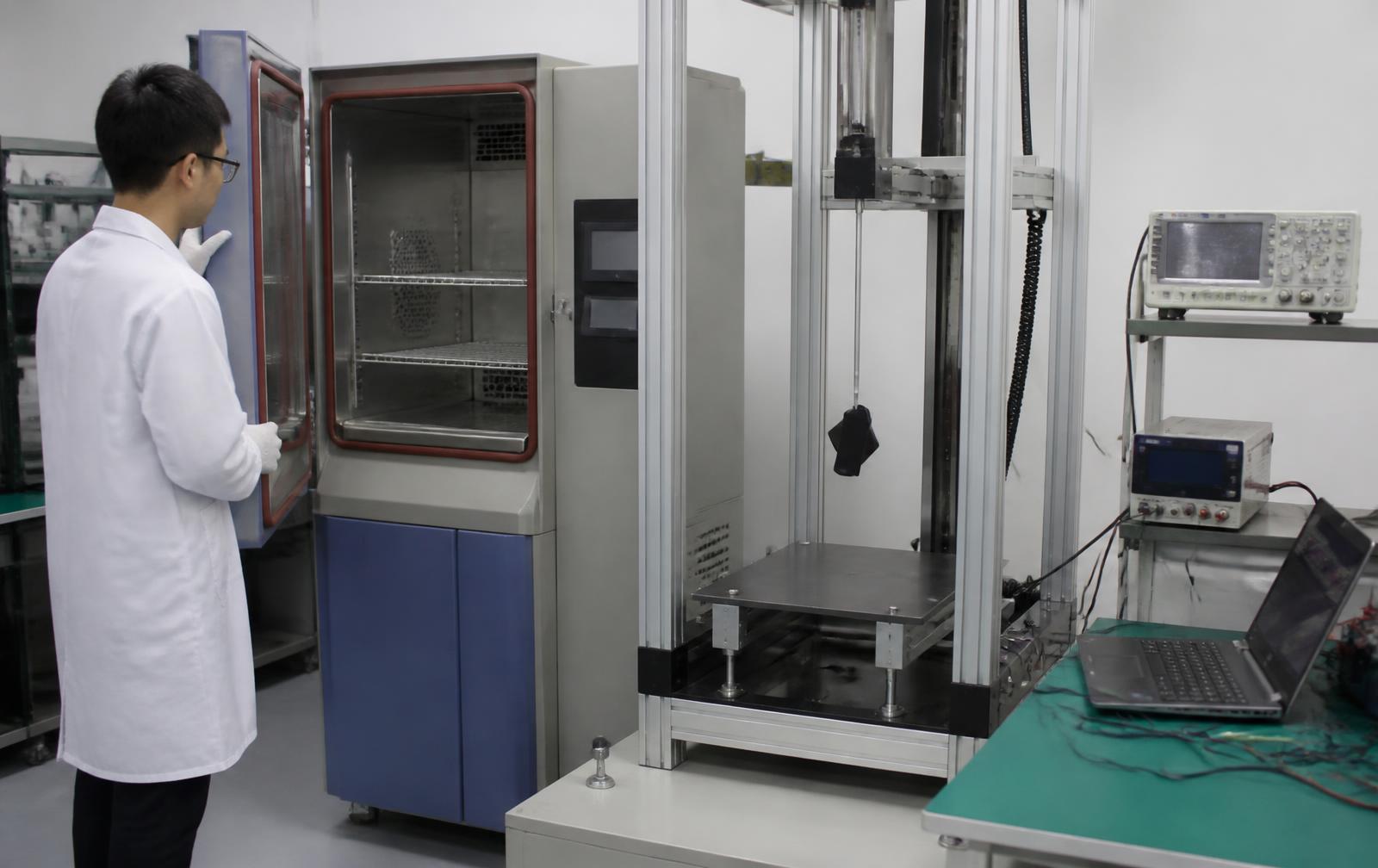
- Prototype evidence exists. A works-like or integrated unit has been tested against those criteria. Looks-like models alone do not support a tooling freeze.
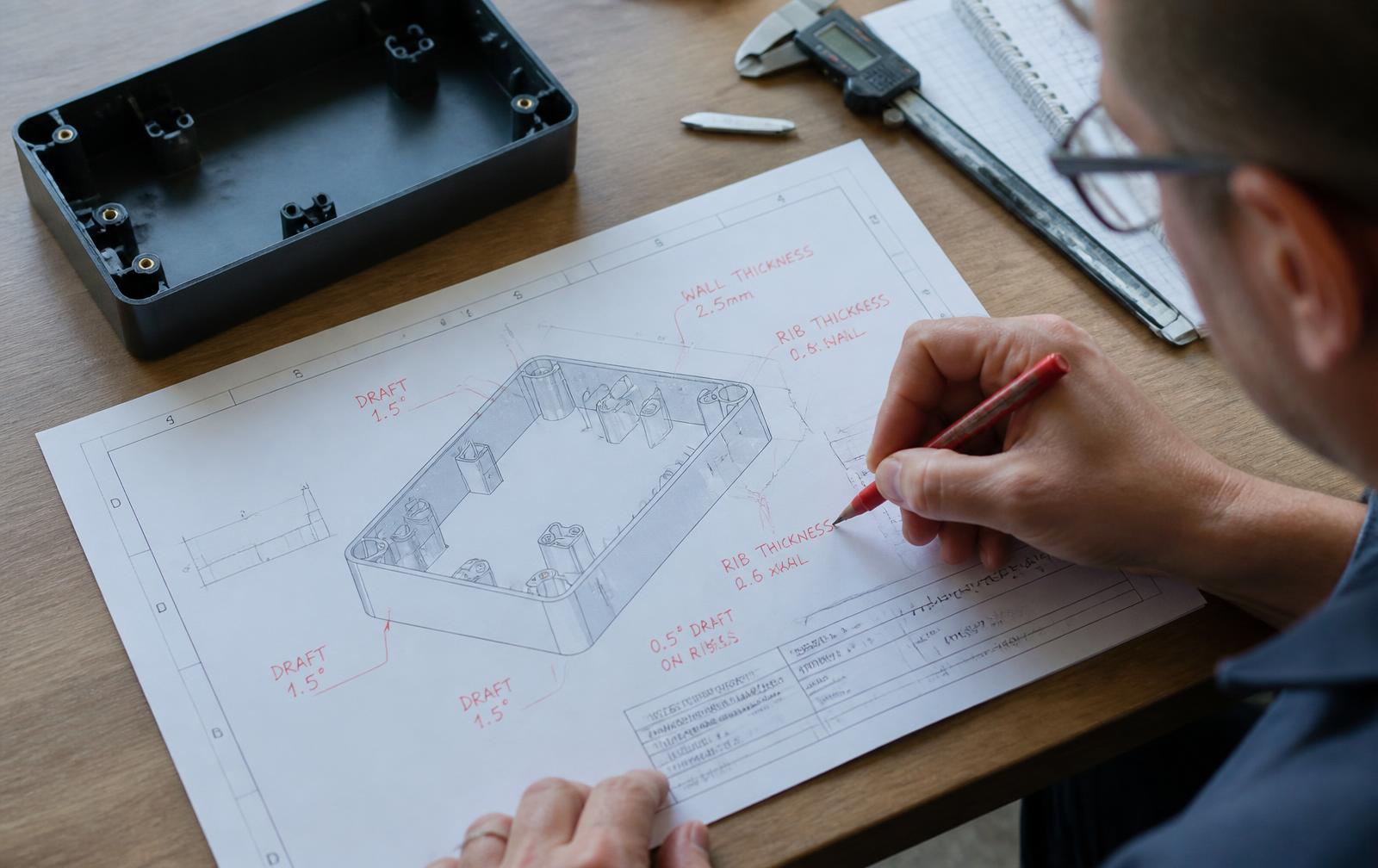
- DFM against the real process is done. Draft, wall thickness, parting, stack-ups, PCB assembly constraints, and assembly access are reviewed for the process you will actually buy. See what a design for manufacturing review actually checks.
- BOM is real. Manufacturer part numbers, alternates for long-lead parts, and materials match the tested build.
- Firmware (if any) has a tagged build that matches the hardware revision under review.
- Top risks are closed or accepted in writing. Open "we will fix it in tooling" items are not a freeze.
- Cost at target volume was recalculated after the last meaningful change.
If someone is still asking whether a latch works, whether the board fits the bosses, or whether the battery lasts a real day of use, you are not freezing. You are scheduling a rework invoice.
NASA's technology readiness language makes the same point in different words: move from a breadboard in a lab toward a prototype demonstrated in a relevant environment before you treat the design as flight-like (NASA Technology Readiness Levels). For consumer and industrial hardware, your freeze should sit after you have that relevant evidence, not before.
Design freeze checklist
Use this as a design review checklist before the freeze signature.
Requirements and scope
- User needs and design inputs are written and numbered
- Each critical requirement has a verification method (test, analysis, inspection, or demonstration)
- Out-of-scope features are listed so they do not sneak back in as "small adds"
Mechanical
- Fully constrained CAD for every part that will be tooled or purchased
- 2D drawings with critical dimensions, GD&T where it matters, and finishes
- Tolerance stack-up for mating features that can fail fit or function
- Material callouts match the tested prototype (or a written deviation)
Electronics and firmware
- Schematic and layout revision match the boards that passed bench tests
- BOM with manufacturer PNs and approved alternates
- Test points, bring-up notes, and a tagged firmware image
- Enclosure interface frozen: outline, connector faces, keepouts, mounting
Manufacturing and assembly
- Process-specific DFM review complete (molding, CNC, sheet metal, PCB, assembly as applicable)
- Assembly sequence timed or walked by someone who did not design the product
- Inspection plan for critical dimensions sketched for first articles
Risk, compliance, cost
- Top risks closed or formally accepted
- Regulatory path identified (FCC, UL, CE, FDA, or none) with lead times booked where needed
- Target unit cost updated after the last design change
- Tooling or bridge-tool quote assumptions match the frozen geometry
For earlier prototype types that should precede this gate, see types of prototypes explained and the role of prototyping and testing.
What a hardware design freeze package includes
Hand the freeze package as one revision-controlled set, not a folder of conflicting emails:
- Released CAD (native + STEP) and drawings at a named revision
- BOM with sources and alternates
- Schematic, Gerbers/ODB++, and firmware tag when the product has electronics
- DFM report and open-item closure log
- Test report that maps requirements to results on the build you are freezing
- Change process everyone will use after freeze (even a simple ECO form)
If a supplier cannot quote from that package without asking basic geometry questions, the package is not frozen yet. It is still a draft.
What changes after design freeze
After freeze, the default answer to "can we just tweak this?" is: file a change, assess impact, and decide.
Typical impacts of a late change:
- Tooling steel or aluminum already cut → weld, insert, or recut
- Soft tooling or urethane tools → often cheaper to change, still burns schedule
- PCB already fabricated → respin, fixture updates, firmware retest
- Certification samples already booked → lab slot slip and retest fees
That is why teams use an engineering change order process once the baseline exists. Freeze without a change process is only a slogan.
Soft or bridge tooling can still make sense after a disciplined freeze when you need production-like parts before steel. That path is covered in bridge tooling and hybrid prototyping.
Common design freeze mistakes
- Freezing to the calendar. A launch date is not evidence.
- Freezing CAD that never built. Untested geometry is a drawing, not a baseline.
- Freezing cosmetics while function is open. Paint and texture do not fix a bad latch.
- Skipping DFM because "the molder will fix it." Molders fix what they can; they invoice what they cannot.
- Floating BOM. Placeholder part numbers become end-of-life surprises after tools are cut.
- Firmware still on a developer's laptop. No tag, no release notes, no way to reproduce the tested behavior.
- No owner for deferred issues. Deferred without a date and owner means forgotten until first article fails.
- Confusing verification and validation. Meeting the drawing is not the same as meeting the user need. See engineering design lifecycle: requirements to testing.
How LA NPDT supports a freeze gate
LA NPDT designs, engineers, and prototypes in-house in Ruston, Louisiana. Parts and components may be sourced globally; the development work stays under one roof so the freeze review can sit next to the builds that produced the evidence.
In practice that looks like:
- Prototype rounds aimed at the questions that block freeze (fit, function, assembly, thermal, RF)
- A process-specific DFM pass before tooling quotes
- A freeze package: CAD, drawings, BOM, test notes, and a clear change path after lock
- Optional soft or bridge tooling when steel is not the next right spend
If you are approaching tooling and want a second set of eyes on readiness, book a free 20-min call.
Approaching tooling and not sure the design is ready?
Talk with an engineer about whether your design is ready to freeze before tooling. Phone: +1 318-200-0526.
Sources
Frequently asked questions
What is a design freeze?
A design freeze is the decision to lock a product's design package (geometry, electronics, firmware, materials, and BOM) as the baseline before tooling or a production-intent build. Changes after freeze go through a controlled change process.
When should you freeze a product design?
Freeze when critical requirements are verified on a representative prototype, DFM for the real process is complete, the BOM and firmware are real and tagged, and open technical risks are closed or formally accepted. Do not freeze only because a calendar date arrived.
What is the difference between a design review and a design freeze?
A design review checks whether work is ready to close a phase and produces minutes and actions. A design freeze locks the baseline used for tooling or production-intent spend. You usually run a design review (with a checklist) immediately before freezing.
What should be on a design freeze checklist?
Requirements with pass criteria, released CAD and drawings, tolerance evidence for critical fits, a real BOM, electronics and firmware revisions that match tested units, DFM against the intended process, test reports, risk closure, and an updated cost model.
Can you change the design after a design freeze?
Yes, but through an engineering change process that assesses tooling, schedule, cost, and retest impact. The freeze does not ban change; it stops informal tweaks.
What happens if you freeze too early?
Open failures move into tooling. You pay for tool changes, respins, and retests that a final prototype round would have caught at lower cost. Freezing early to "save time" usually spends the time later at a worse rate.
Services related to this guide
- Product design servicesIndustrial design and CAD taken all the way to manufacturable files.
- Best industrial design firmsWhich studios take an idea from form to manufacturable hardware, and what they charge.
- Prototype designLooks-like, works-like or pre-production: what each proves and what it costs.
- Product development examplesReal projects we designed, prototyped and shipped.