AI Tools for Hardware Prototyping in 2026: What Actually Works in CAD, PCB Layout, Firmware, and Simulation
What's changing now
For founders and product teams turning an idea into a working prototype. Here is where AI genuinely saves time in 2026 (converting geometry, routing boards, writing and debugging firmware, setting up simulations), where an engineer still has to own the result, and a checklist for putting AI into your prototype workflow without losing control of the design.
October 8, 20269 min read

Written by Konstantin Dolgan, Ph.D., NPDP
Founder & CEO, Product Development Engineer
Published October 8, 2026
Short answer
In 2026, AI is genuinely useful in four parts of a hardware prototype: turning drawings, scans and imported files into editable CAD. Placing and routing a circuit board from a finished schematic. Writing and debugging firmware against a chip vendor's own SDK. And setting up first-pass simulations.
It is not yet a dependable way to go from a text prompt to a manufacturable, tested product. Every tool covered below still expects an engineer to own the requirements, the schematic, the tolerances and the test results. Use AI to compress the hours between design decisions, not to make the decisions.
What changed in 2026
A lot of early "AI for hardware" excitement centered on image generators that produce attractive renders nobody can build. (We covered that problem in Can your AI-generated product actually be built?.)
The 2026 shift is that AI is landing inside the engineering tools that already produce manufacturable outputs: parametric CAD, ECAD, firmware IDEs and simulation packages. That matters for founders because the output is now an editable model, a routed board or a buildable firmware project, not a picture.
The other shift is how vendors connect AI to their tools. Several 2026 releases expose engineering software to outside AI assistants through the Model Context Protocol (MCP).
ADI's debug assistant is built on MCP, and Engineering.com reports that COMSOL Multiphysics 2027 will add an MCP server so external AI systems can interact with the simulation software. In practice this means your team can choose its AI assistant, and the vendor supplies the tool access and product knowledge.
Where AI fits in a 2026 prototype (stage-by-stage table)
Prototype stage | What AI does well in 2026 | What still needs an engineer |
|---|---|---|
Sketch, scan or legacy part to CAD | Converting 2D drawings, photos, meshes and STEP/IGES files into editable geometry (Backflip drawing-to-CAD and photo-to-CAD; SOLIDWORKS Convert to Geometry, Beta; Fusion AutoTimeline, announced) | Design intent, tolerances, mating features, and wall thickness and draft for the real manufacturing process |
Parametric modeling, assemblies and drawings | Auto-constraining sketches (Fusion AutoConstrain, live), assembling parts (Fusion AutoAssemble, announced), generating and editing drawings from prompts (SOLIDWORKS with LEO, Beta) | Checking every dimension and callout before a drawing goes to a shop or vendor |
PCB placement and routing | Layout from a final schematic, including DDR length matching on a demonstrated board (Quilter); browser-based ECAD with an AI assistant for schematics and BOM (Flux) | Architecture, part selection, schematic correctness, RF and high-speed review, and DFM with your fab and assembler |
Firmware | SDK-aware code generation, project setup, flashing and debugging in VS Code-style environments (Microchip, Silicon Labs, Analog Devices, AMD) | Safety logic, security, power budget, code review and hardware-in-the-loop testing |
Simulation | Prompt-driven setup of CFD, FEA, thermal and electromagnetic runs from CAD (SimScale agent in Onshape) | Boundary conditions, material data, and correlation with at least one physical test |
Manufacturing preparation | Automating machine setup, toolpaths and production preparation (Fusion System Modeler, announced at AU 2026) | First article inspection and process sign-off |
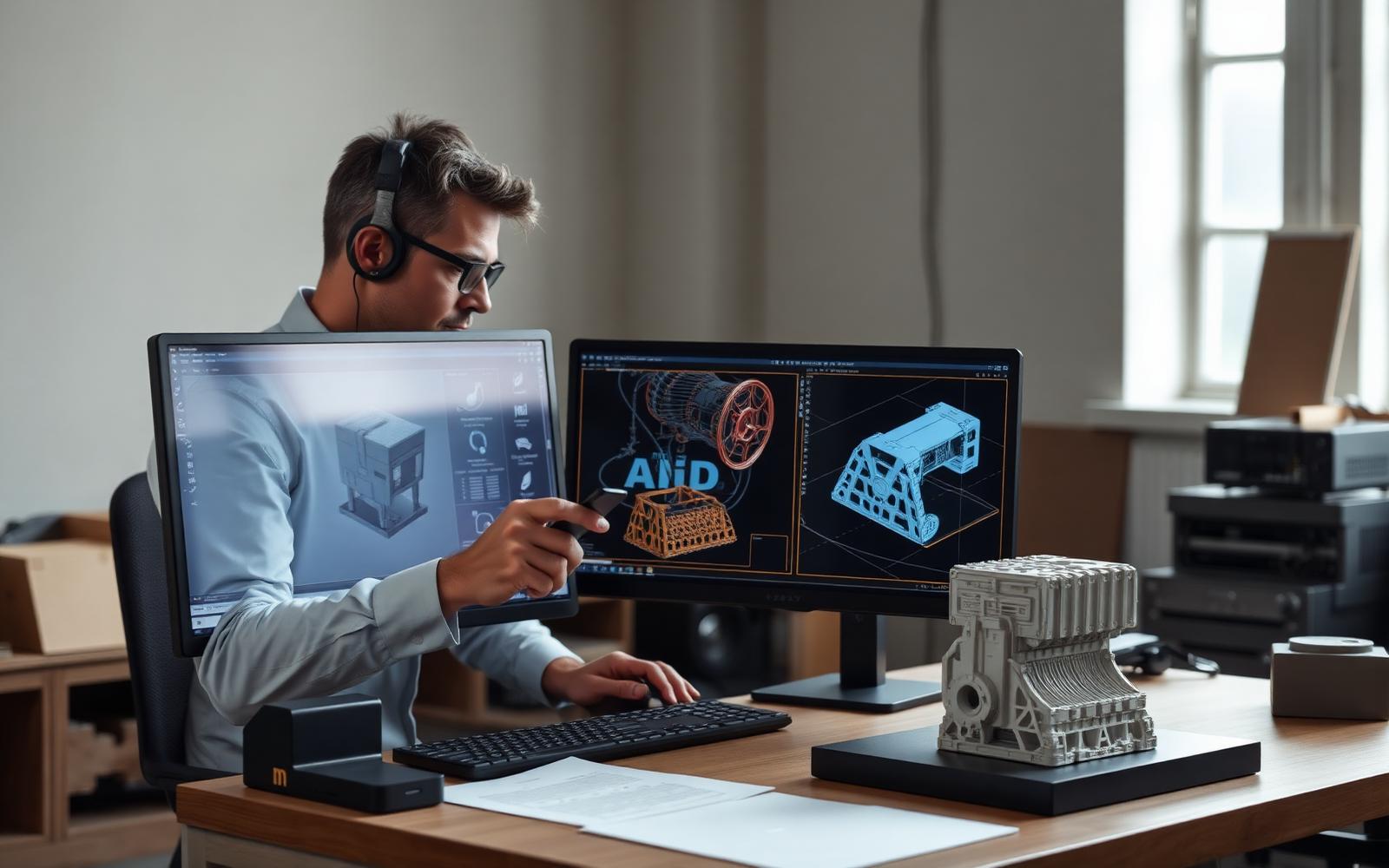
CAD: from text-to-CAD hype to editable geometry
The most useful CAD features in 2026 are not "describe a product and get a part". They remove repetitive modeling work:
- Imported geometry to parametric models. Autodesk's AutoTimeline (announced at AU 2026) converts imported geometry into editable parametric parts, and AutoAssemble brings those parts together into assemblies. SOLIDWORKS 2026x FD02 added an AI-powered Convert to Geometry command (Beta) that turns STEP and IGES models into parametric, feature-based SOLIDWORKS models.
- Drawings and assembly help. SOLIDWORKS 2026x FD02 lets users customize auto-generated drawings through text prompts (Beta). In 2026x FD03 (August 2026), Dassault says users can ask LEO to analyze assembly performance, identify potential risks when making design changes, and generate assembly instructions.
- Drawing, photo and mesh to CAD. Engineering.com reports that Backflip AI expanded its mesh-to-CAD platform with drawing-to-CAD and photo-to-CAD, integrated with Autodesk Fusion through a plugin.
What has not arrived: a production-ready part from a sentence. According to Engineering.com (23 September 2026), Autodesk Research's Mike Haley described Project Quill as "still an exploration. This is not in the product yet." Autodesk also clarified that several features under its neural CAD umbrella, including AutoConstrain, are live.
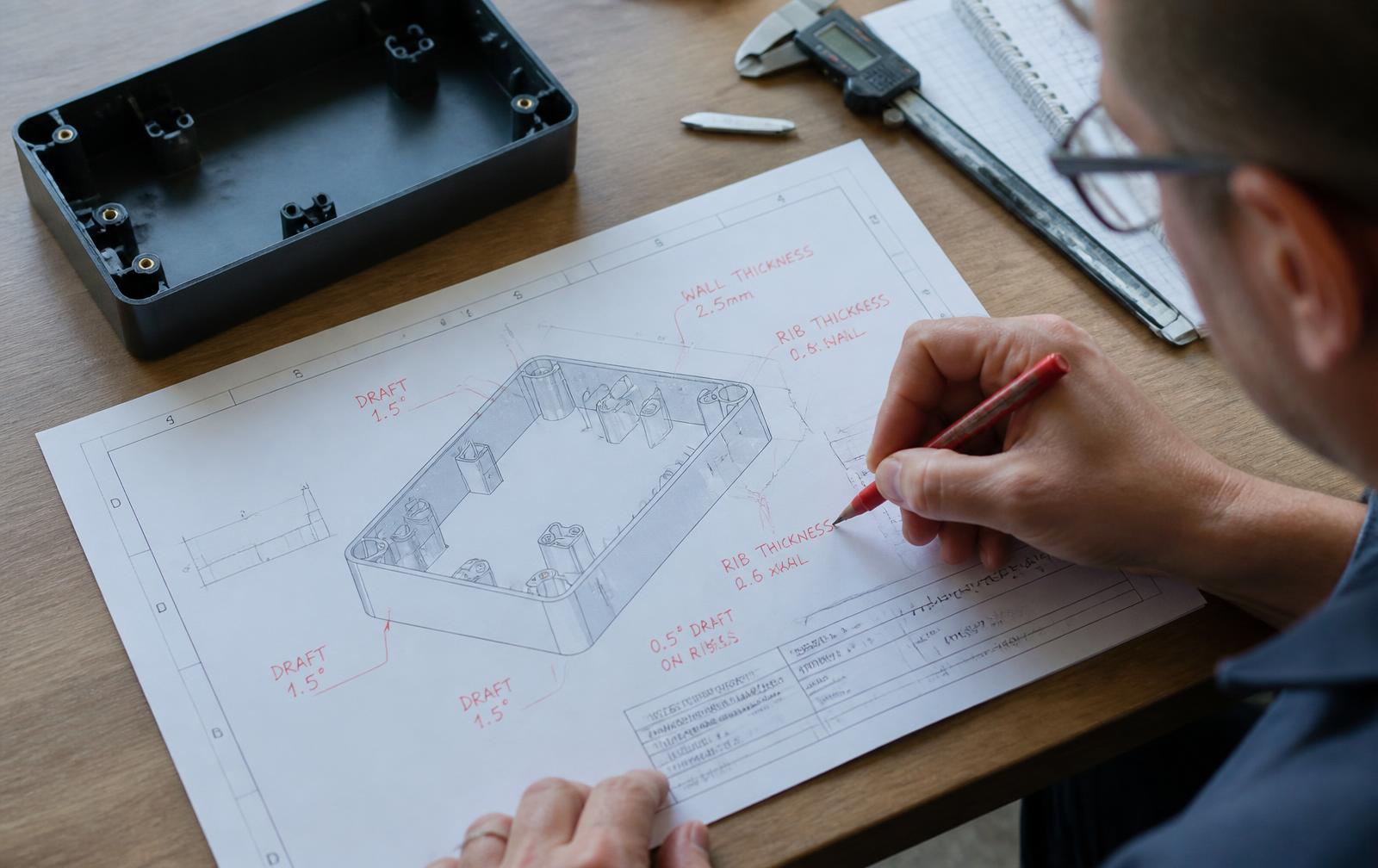
Founder takeaway: AI is most valuable when you already have something physical or digital to start from: a supplier STEP file, a scanned mesh of a hand-made model, or an old drawing. That is exactly the stage where many first-time inventors stall. Converted geometry is still a draft until someone checks dimensions, tolerances and manufacturability. See our design for manufacturing review guide for what that check covers.
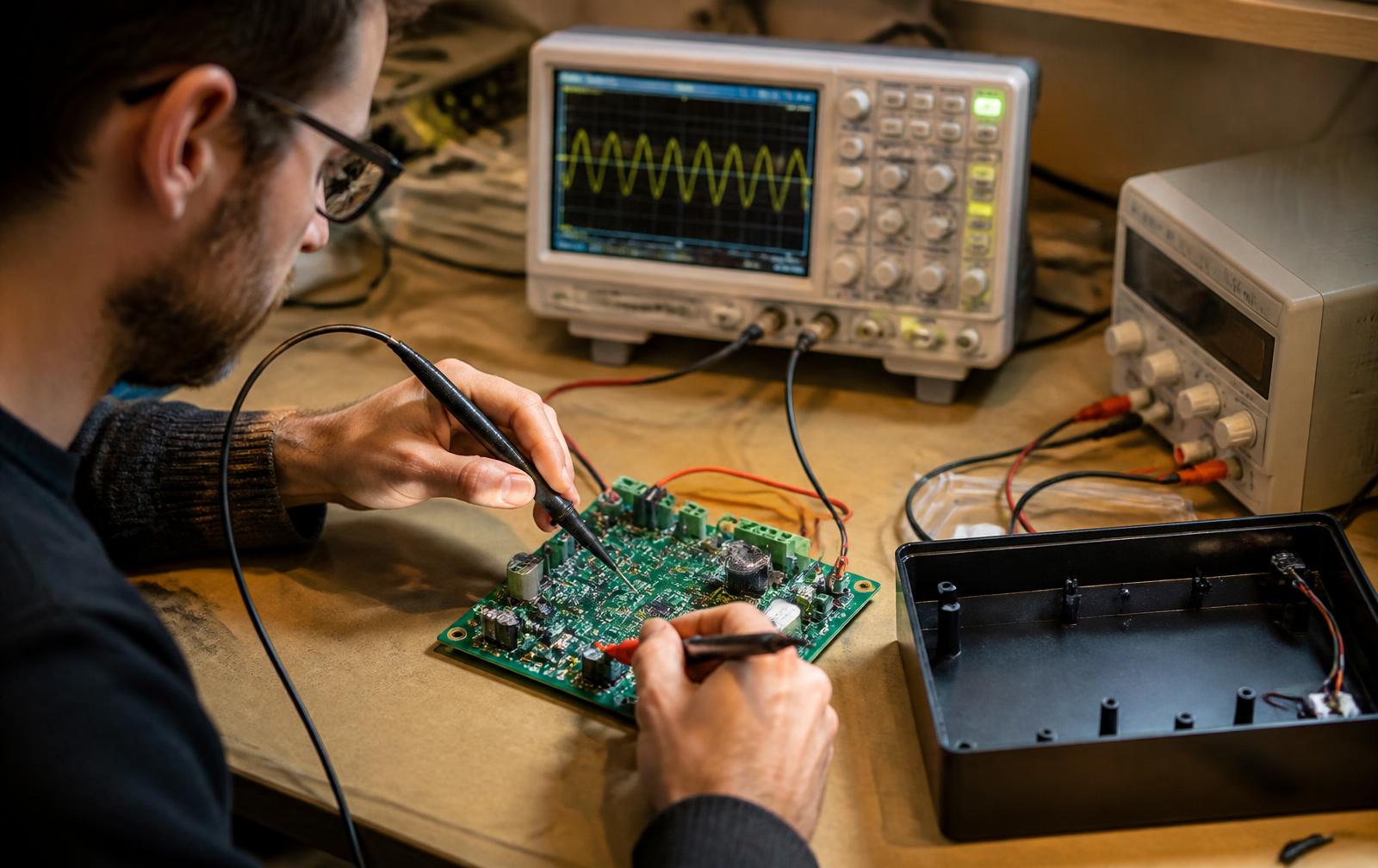
PCB layout: AI routing is real, with conditions
For electronics prototypes, layout used to be one of the slowest and most expensive steps. In Project Speedrun, Quilter used an existing NXP i.MX 8M Mini reference design, treated the schematic as final and known-good, and generated the placement and routing with its tool.
EEJournal reported that experienced PCB designers quoted roughly 200 hours per board (400 hours total) for the same job, while the Quilter system-on-module layout took a matter of hours and the baseboard about a day. The boards booted and ran a browser.
Three cautions keep this in perspective:
- The demonstration started from a known-good schematic. AI routing does not choose your architecture, components or protection circuits.
- Vendor benchmarks conflict. DeepPCB published its own 2026 comparison on three open-source KiCad boards claiming better completion and fewer vias than Quilter, while a March 2026 Quilter article cites internal benchmarks that put Quilter ahead on placement success and routing time. Neither comparison is independent. Test a candidate tool on your own board.
- High-speed, RF, power and thermal areas still need a human review, and your fab and assembler still have the final word on DFM.
Flux takes a different approach: a browser-based ECAD with an AI assistant that works on schematics, parts and BOM, and that, according to Flux, supports multi-layer boards up to eight layers. For a first functional prototype, that kind of tool can shorten the path from block diagram to a board you can order.
Our electronic product prototyping guide covers the rest of the path, and enclosure design for electronics covers the housing that has to fit around the board.
Firmware: vendor-grounded assistants
General coding assistants often guess at register names and SDK calls for a specific microcontroller. In 2026 the chip makers are fixing that by grounding assistants in their own documentation and tools:
- Microchip released the free MPLAB AI Coding Assistant, a VS Code extension with a Microchip-trained chatbot, autocomplete and access to data sheets in the editor (announced February 2025).
- Analog Devices introduced an AI Debug Assistant in CodeFusion Studio (March 2026). It is built on the Model Context Protocol, can control live debug sessions and read hardware state, and works with GitHub Copilot in VS Code and with Claude Code.
- AMD introduced AMD Ross (30 September 2026), an agentic assistant across its embedded tools for design, debugging, software and deployment. AMD says it is available now, with more capabilities planned monthly.
- Silicon Labs put its Simplicity AI SDK into public Beta on 7 October 2026. It gives GitHub Copilot, Cursor and Codex structured access to Silicon Labs SDKs, tools, documentation and connected hardware, starting with Bluetooth LE workflows. An alpha of its Hardware Intent capability is planned for January 2027.
Founder takeaway: if your prototype uses one of these vendors' chips, these assistants can get a dev board blinking, talking and logging data faster.
Treat AI-generated firmware as a draft: review it, test it on hardware, version it, and keep credentials and proprietary code out of prompts unless you have checked the tool's data terms.
If your product is connected and will be sold in the EU, read our EU Cyber Resilience Act guide before you lock the firmware architecture.
Simulation and testing: faster setup, same physics
SimScale's Engineering AI Agent, available through the Onshape app store, can take a CAD model (including geometry that is not yet simulation-ready), propose a setup, mesh it, run CFD, FEA, thermal or electromagnetic physics, and report results back in Onshape, according to SimScale's announcement reported by Engineering.com. That lowers the barrier to running a first thermal or stress check on an enclosure or bracket.
What does not change: a simulation is only as good as its boundary conditions and material data. Use AI-run simulations to decide what to test, then confirm with a physical prototype. Our guide to stages of product testing and the first article inspection checklist cover the physical side.
Costs and licensing to plan for
- Many of the features above are labeled Beta or announced rather than generally available. Do not build a launch schedule around an announced feature.
- Some AI features consume credits or tokens on top of the seat license. Engineering.com has covered SOLIDWORKS AI features that use "blue tokens", and a reader letter in its 23 September 2026 issue complained about metered AI and cloud features. Budget for usage, not just seats.
- Time savings are task-specific. The clearest public data point in this article is the layout case above (roughly 200 hours quoted per board versus hours to about a day with AI). We have not seen a reliable public figure for whole-program savings, so be skeptical of any vendor that promises one.
Checklist: putting AI into your prototype workflow
- Write the requirements and a basic test plan before opening any AI tool. (Our guide on how to write a product design brief helps.)
- Decide which stages will use AI and who signs off each output.
- Keep one native, editable CAD source of truth. Treat converted or generated geometry as a draft until dimensions and tolerances are checked.
- Freeze the schematic and design constraints before AI routing. Review high-speed, RF, power and thermal areas by hand.
- Run a DFM review with the actual fab, assembler or molder before ordering.
- Code-review all AI-generated firmware, test it on hardware, and tag versions.
- Correlate at least one simulation with a physical test before trusting the rest.
- Record what AI generated and what an engineer changed, in the same change log you will use after release (see our engineering change order process guide).
- Check each tool's data and IP terms before uploading proprietary files or code.
Frequently asked questions
Can AI design a complete hardware product from a text prompt in 2026?
Not reliably. The tools that ship today automate specific steps such as geometry conversion, PCB routing, firmware assistance and simulation setup. Autodesk's own research project in this direction, Project Quill, is described as an exploration that is not in the product yet. An engineer still has to own requirements, architecture, tolerances and testing.
What is the best AI CAD tool for prototyping in 2026?
It depends on the CAD platform your team already uses. Fusion users get AutoConstrain today, with AutoTimeline and AutoAssemble announced at AU 2026. SOLIDWORKS users have Beta features for STEP and IGES conversion, prompt-driven drawings and assembly analysis through LEO. Standalone tools such as Backflip focus on converting meshes, drawings and photos into CAD. We do not rank them; pick the one that fits your existing files and workflow.
Can AI route a PCB for my prototype?
Yes, for many boards, if the schematic, parts and constraints are already final. Quilter's Project Speedrun produced a working i.MX 8M Mini single-board computer with LPDDR4 memory. Plan a human review of high-speed, RF, power and thermal areas and a DFM check with your fab.
Is AI-generated firmware safe to ship?
Treat it as a draft. Vendor-grounded assistants from Microchip, Analog Devices, AMD and Silicon Labs reduce guesswork about SDKs and registers, but safety logic, security and power behavior still need code review and testing on real hardware.
Will AI make my prototype cheaper?
It can cut hours on specific tasks, such as layout in the Speedrun example, but it adds tool seats, credits and review time. There is no reliable public figure for overall savings, so budget for a normal prototype and treat time saved as schedule margin.
How should I work with a product development firm that uses AI?
Ask which stages they use AI for, who reviews each output, how your files and code are protected, and how AI-generated work is documented. A good partner can explain where AI saves you time and where an engineer signs off.
Bottom line
AI in 2026 makes hardware prototyping faster at the edges of each step: getting geometry into CAD, routing boards, writing and debugging firmware, and setting up simulations. It does not replace the engineering decisions that make a prototype work, pass testing and move toward production. Use it where the output is easy to verify, and keep a human accountable for everything else.
Book an initial consultation
If you have a product idea and want a team that can take it from concept to a working, tested prototype, with modern tools and engineering sign-off at every stage, book an initial consultation with LA New Product Development Team: https://calendly.com/lanpdt/lanpdt-initial-consultation or call +1 318-200-0526.
Sources
Tagged:AIElectronicsPrototyping
Services related to this guide
- Best prototyping companiesDevelopment firms, instant-quote bureaus and local shops — who fits which job.
- Free prototype cost calculatorFive to eight questions, an instant cost range for a first prototype.
- Prototype development companiesWhich firms take a sketch to a working prototype — and which only fabricate parts.
- Rapid prototypingWorking prototypes in days, from 3D printing to vacuum casting.