Robotics product development: from first prototype to product, with simulation and AI
A robot is a mechanical product, an electronics product, and a software product at the same time, and often an AI product too. Here is how robotics product development moves from a first robotic arm prototype to something you can build, test, certify, and sell, where simulation and AI genuinely save time, and where only real hardware can give you the answer.
October 26, 20269 min read

Written by Konstantin Dolgan, Ph.D., NPDP
Founder & CEO, Product Development Engineer
Published October 26, 2026
What is robotics product development?
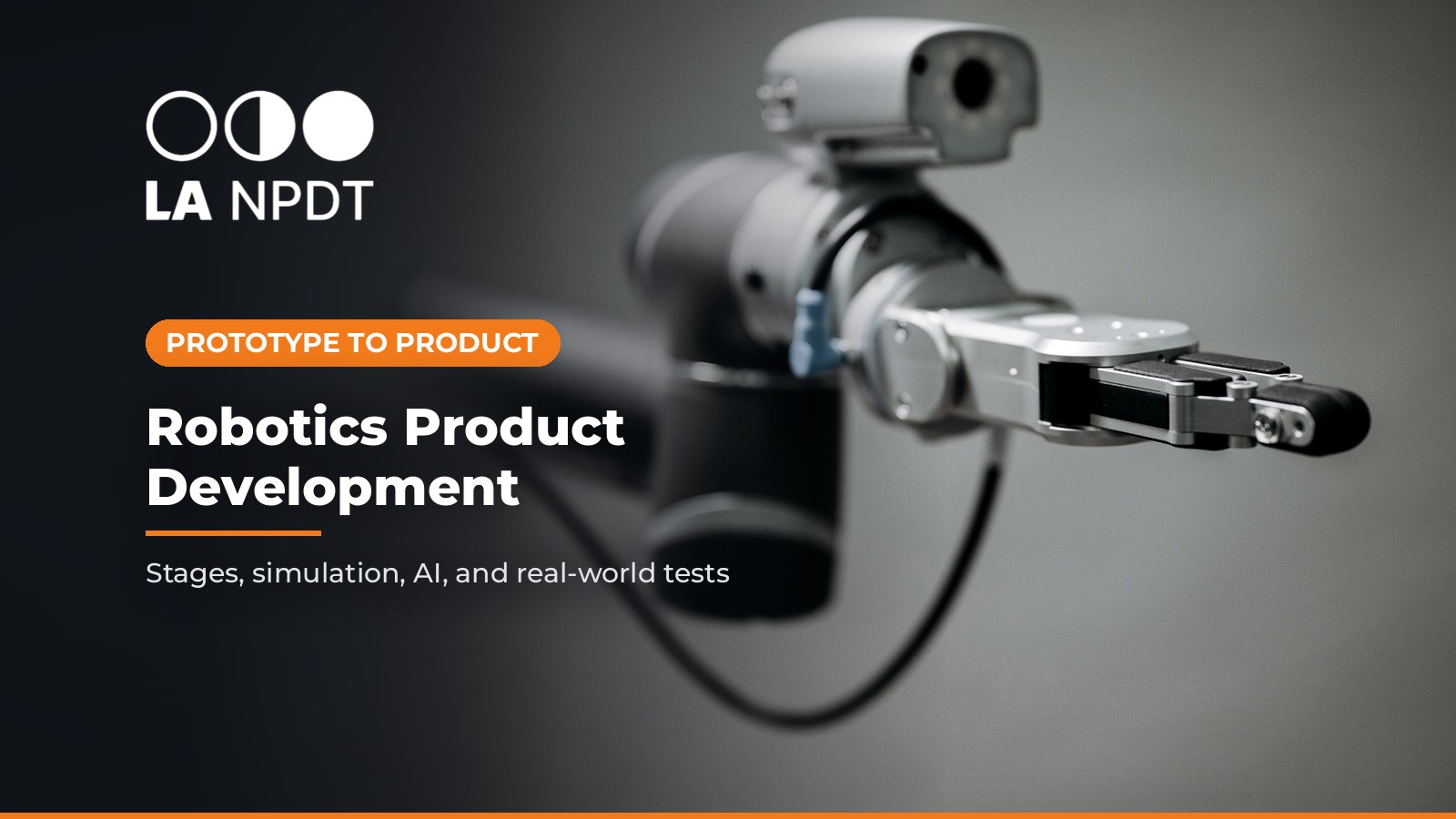
Robotics product development is the engineering work that turns a robot concept into a product: defining the task and users, designing the mechanism, electronics, firmware, and software, building and testing prototypes, meeting safety requirements, and preparing the design for manufacturing. The output is a robot (or a robotic subsystem such as a gripper or actuator module) that someone else can build repeatably and a customer can use safely.
It is not the same as robot integration, where a manufacturer buys an existing industrial robot and designs a cell around it. If that is your project, see our guide to industrial robot integration and collaborative robot applications.
The robot design process, stage by stage
There is no single official sequence. This is how we map a typical robotics project from idea to product. Each stage has one main question, and you move forward only when it is answered with evidence.
Stage | Main question | What you build | Exit evidence |
|---|---|---|---|
1. Task and requirements | What must the robot do, for whom, and where? | Requirements list: task, payload, reach or range, speed, accuracy, environment, people nearby, target cost | Testable requirements with owners |
2. Architecture and simulation | Which layout, actuators, sensors, and compute can meet the requirements? | Kinematic sketches, CAD layout, simulation or digital model, early power and compute budget | Chosen architecture, top risks listed |
3. Mechanism or robotic arm prototype | Does the mechanism move, reach, and carry load as predicted? | Printed and machined links, off-the-shelf motors and controllers, a test stand | Measured reach, payload, and motion vs requirements |
4. Integrated engineering prototype | Do mechanics, electronics, firmware, and software work together? | Custom boards, real harness, enclosure, safety functions, first full software stack | Bring-up complete, end-to-end task demonstrated |
5. Test and refine | Does it work reliably, repeatedly, and safely in realistic conditions? | Repeated task trials, environmental and durability tests, field or beta units | Test data against every requirement, issues closed or owned |
6. Freeze, DFM, and pilot | Can a supplier build it repeatably at the target cost? | Released drawings and BOM, DFM changes, bridge-tooled or short-run parts, pilot units | Design freeze, first article inspection, pilot results |
Related guides: robotics prototyping processes, printers, and materials, electronic product prototyping from dev board to custom PCB, board bring-up, and engineering design review for the review at the end of each stage.
Stage 3 in practice: the first robotic arm prototype
The first robotic arm prototype (or gripper, wheel module, or other mechanism) should answer mechanical questions cheaply: reach, collision envelope, stiffness, and whether the actuators can carry the load.
Printed links with off-the-shelf bearings, motors, and motor controllers are usually enough at this stage. Keep the custom electronics for the next round, once you know what the mechanism really needs.
For which print processes and materials suit which robot parts, see our robotics prototyping guide.
Sim to real robotics: what simulation can and cannot tell you
Simulation lets a team try layouts, motion plans, and control software without risking hardware or people. A digital model built early in robotics product development can also be reused later for testing software changes. The catch is the sim-to-real gap.
A widely cited survey of sim-to-real transfer for robot learning explains that simulation is used because real-world data is costly to gather and because it avoids safety concerns with real robots, but that the gap between the simulated and real worlds degrades performance once models are transferred to real robots (Zhao, Peña Queralta, and Westerlund, arXiv 2009.13303).
One of the main techniques it describes is domain randomization: instead of modeling the world perfectly, the simulation deliberately varies things like textures, lighting, object dimensions, link masses, friction, joint damping, and actuator gains, so the trained model copes with real-world variation.
An early example: researchers trained an object detector only on simulated images with random, non-realistic textures and reached about 1.5 cm accuracy in the real world, good enough to demonstrate grasping in clutter (Tobin et al., arXiv 1703.06907). That is a research result on one task, not a guarantee for your robot, but it shows the principle.
How we use this in practice:
- Use simulation to narrow options: reach studies, collision checks, motor sizing estimates, motion planning, and early software testing.
- Do not let simulation replace hardware: friction, cable drag, backlash, flex in printed parts, sensor noise, and heat are hard to model and show up on the bench.
- Close the loop: measure the real prototype (torques, deflection, timing, sensor noise) and feed those numbers back into the model, so each simulation round gets closer to reality.
Where AI helps in robotics product development, and where it does not
AI shows up in two places in a robotics project: inside the product (perception, grasp selection, navigation) and in the development process (coding, analysis, documentation). Both need the same rule: use AI where its output can be checked against real data.
Task | Where AI can help | What engineers must own |
|---|---|---|
Perception and grasping | Train vision models, including with synthetic images from simulation; NIST's grasping and manipulation project includes a synthetic image data pipeline for training vision-based robot systems | Collecting real test images, measuring real-world accuracy, deciding what failure rate is acceptable |
Simulation and motion | Generate many randomized test scenarios; search motion or control parameters | Choosing the physics assumptions, validating against measured hardware data |
Firmware and software | Draft code, explain unfamiliar libraries, suggest unit tests | Code review, testing on the real robot, safety functions and their verification |
Test analysis | Summarize long test logs, cluster failure types, draft reports | Confirming root causes on hardware, deciding design changes |
Requirements and documents | Flag vague or untestable requirements, draft risk lists and test plans | Whether the requirements and risks are the right ones |
Safety decisions | None | Risk assessment, safety design, and sign-off by accountable people |
NIST's Generative AI Profile names the main risk of AI-generated output confabulation: confidently stated but erroneous or false content.
It also warns about automation bias and about exposure of trade secrets through AI tools (NIST AI 600-1).
In robotics, a confident but wrong answer can move a real arm, so treat AI output as a draft until it is tested on hardware.
For a tool-by-tool view, see AI tools for hardware prototyping in 2026. If the robot runs AI models on the device, see edge AI hardware prototyping.
Testing a robotics prototype: what real tests must prove
A demo that works once is not evidence. Robot performance varies from run to run, so tests need repetitions and clear metrics.
NIST, which develops robotic grasping and assembly test methods with ASTM committee F45, notes that multiple repetitions of a task are needed to generate enough data for benchmarking, and that statistical comparison helps avoid false claims about a robot's performance (NIST assembly performance metrics and test methods).
Its grasping work defines measurable items such as grasp cycle time, grasp strength, finger strength, and grasp efficiency under disturbance forces (NIST grasping performance metrics and test methods).
For a product prototype, that translates into:
- Task success rate over many trials, not a single video.
- Cycle time, accuracy, and repeatability measured with independent tools, not only the robot's own sensors.
- Payload, thermal, and duty-cycle tests on motors, drivers, and batteries.
- Durability and environment tests that match the requirements: drops, vibration, dust, moisture, temperature.
- Failure behavior: what the robot does on power loss, a lost sensor, a crashed process, or an emergency stop.
Test safely. OSHA notes that many robot accidents occur during non-routine operating conditions such as programming, maintenance, testing, setup, or adjustment, when a person may be inside the robot's working envelope (OSHA Robotics). Prototype testing is non-routine by definition: use guarding or a marked test zone, reduced speeds for early runs, a reachable emergency stop, and a written test procedure.
Once the prototype passes bench testing, a structured hardware beta test with real users and environments is the next step.
Which safety standards apply to a robot product?
Plan this in stage 1, because the standard can change the architecture. The answer depends on who uses the robot and where.
- Industrial robots: ISO 10218-1:2025 covers safety requirements for the industrial robot itself, treated as an incomplete machine, and ISO 10218-2:2025 covers industrial robot applications and robot cells, including integration and the end-effector. Both were published in February 2025 and replace the 2011 editions (ISO 10218-1:2025, ISO 10218-2:2025). ISO notes that ISO 10218-2 complements ISO/TS 15066 for collaborative robot applications.
- Service and personal care robots: ISO 10218 excludes service robots where the public has access, consumer products, and medical robots. Personal care robots (mobile servant, physical assistant, and person carrier robots) are covered by ISO 13482:2014, which ISO lists as expected to be replaced by a new edition covering service robots more broadly (ISO 13482:2014).
- Medical robots: treated as medical devices, with their own regulatory path. See our guide to FDA QMSR for medical device founders.
- In the U.S. workplace: OSHA states there are currently no specific OSHA standards for the robotics industry (OSHA Robotics), which is why consensus standards like these matter in design.
Standards also cover electrical safety, radio, and EMC for the electronics. A test lab or compliance consultant should confirm the exact list for your product and markets; this section is a planning guide, not legal advice.
From robot prototype to production
Robots carry many low-volume custom parts, so the jump to production is often gradual:
- Design for manufacturing: convert printed and hand-built parts to processes that suit the real volume. See what a DFM review checks.
- Bridge tooling and short runs: urethane casting, CNC, and bridge tooling can cover pilot fleets before full production tooling. See bridge tooling methods and quantities.
- Freeze and control changes: design freeze before tooling, then the engineering change order process for every change after release.
- Pilot and first articles: expect issues that never appeared on the bench. See what breaks from prototype to pilot production and the first article inspection checklist.
Robotics product development checklist
Requirements
- Task, payload, reach or range, speed, accuracy, and environment are written down and testable
- Users, bystanders, and the applicable safety standard family are identified
- Target cost and expected volume are stated
Design and simulation
- Architecture chosen with actuator, sensor, and compute budgets
- Simulation used for reach, collisions, and sizing, with assumptions listed
- Model updated with measured hardware data after each prototype
Prototypes
- Mechanism or robotic arm prototype proves reach, load, and motion
- Integrated prototype has custom electronics, real harness, enclosure, and safety functions
- Firmware has a defined update path and safe failure behavior
AI
- AI-trained functions are tested on real-world data, not only simulated data
- AI-assisted code and analysis are reviewed and tested on hardware
- Tool data terms checked before uploading CAD, code, or test data
Testing and safety
- Repeated trials with defined metrics (success rate, cycle time, accuracy)
- Test zone, reduced-speed runs, emergency stop, and written procedure in place
- Standards and certification testing planned with a lab
Production
- DFM review complete, design frozen, change control in place
- Bridge or short-run parts qualified before pilot units ship
How LA NPDT approaches robotics projects
LA NPDT does design, engineering, and prototyping in-house at our facility in Ruston, Louisiana: 3D printing, CNC machining, urethane casting, and bridge tooling, plus electronics and firmware, with some short-run production.
For mass production we work with manufacturing partners and stay on as project manager, or help you find a better-fit manufacturer. For a robot, that means the people modeling the links, laying out the motor driver boards, and writing the firmware can test the same prototype on the same bench.
Our view on simulation and AI is practical: use them to move faster through the early choices, and let measured hardware data make the decisions.
If you have a robot concept or an early prototype and want an engineer's view of the next build, see our product development services and electronic design services, or book a free initial consultation. Phone: +1 318-200-0526.
Robot concept heading into its next prototype?
Talk with an engineer about your robot's next build, what to simulate, and what to prove on real hardware. Phone: +1 318-200-0526.
Sources
Frequently asked questions
What is robotics product development?
Robotics product development is the process of turning a robot idea into a manufacturable, safe product. It covers requirements, mechanism, electronics, firmware, and software design, prototyping and testing, safety standards, and preparing the design for production.
What are the steps in the robot design process?
Define the task and requirements, choose the architecture with help from simulation, build a mechanism or robotic arm prototype, build an integrated engineering prototype, test and refine with repeated trials, then freeze the design, complete DFM, and run pilot builds.
What is sim to real in robotics?
Sim to real is the transfer of designs, control software, or AI models from simulation to a physical robot. Performance usually drops on real hardware because of the sim-to-real gap, so teams use techniques like domain randomization and always validate on the real robot.
How do you build a robotic arm prototype?
Start with 3D printed or machined links, off-the-shelf bearings, motors, and motor controllers, and a test stand. Measure reach, payload, stiffness, and motion against the requirements before designing custom electronics.
Can AI design a robot?
AI can help design a robot by generating code, training perception models, running many simulated scenarios, and analyzing test data. It cannot replace engineering judgment or hardware testing, and safety decisions must stay with accountable engineers.
Which safety standards apply to robots?
Industrial robots are covered by ISO 10218-1 and ISO 10218-2 (2025 editions), with ISO/TS 15066 for collaborative applications. Personal care robots fall under ISO 13482, and medical robots follow medical device rules. A test lab should confirm the full list for your product.
Services related to this guide
- Product design servicesIndustrial design and CAD taken all the way to manufacturable files.
- Rapid prototypingWorking prototypes in days, from 3D printing to vacuum casting.
- Electronic design servicesSchematic, PCB layout, firmware and bring-up, through to production handoff.
- Product development examplesReal projects we designed, prototyped and shipped.